Shadows & Secrets – Mobile Companion App:
Mobile Prototype Link (in case the embedded doesn’t work)
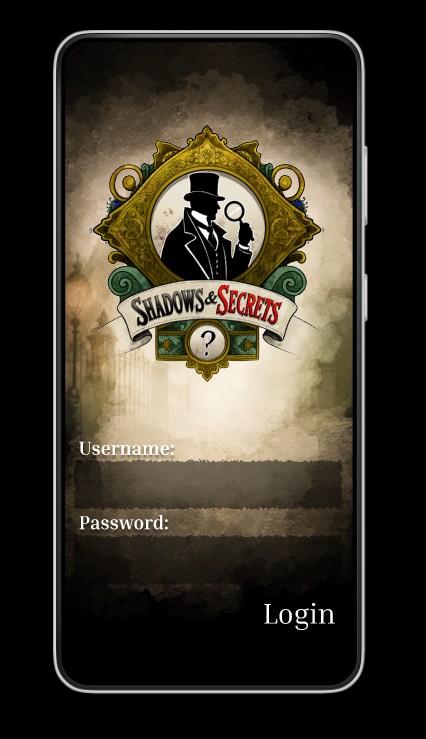
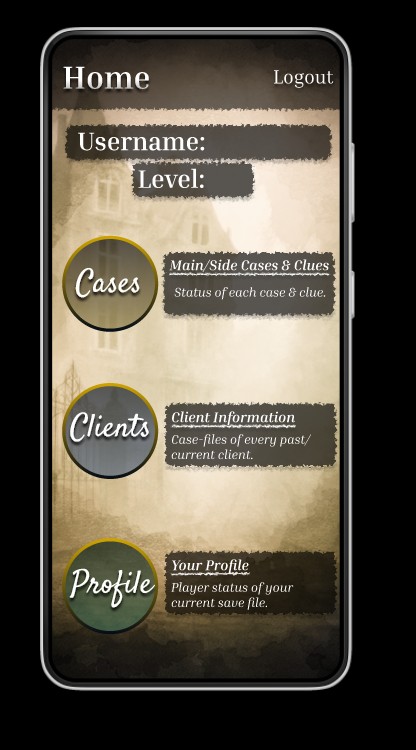
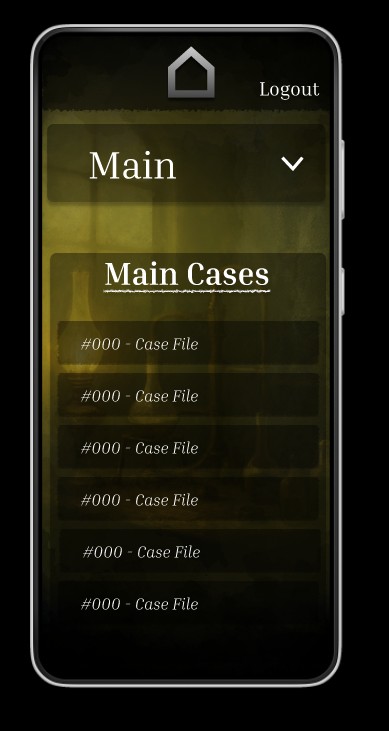
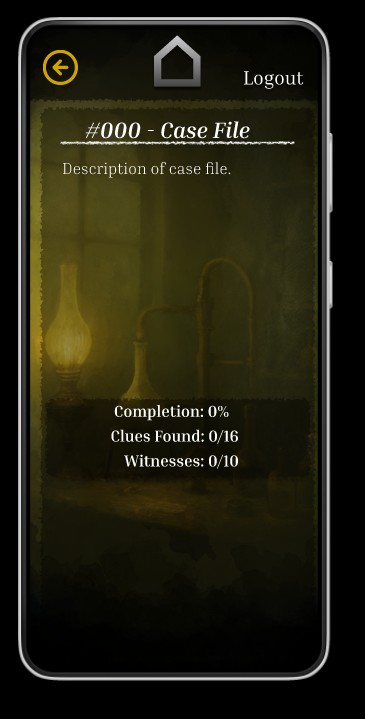
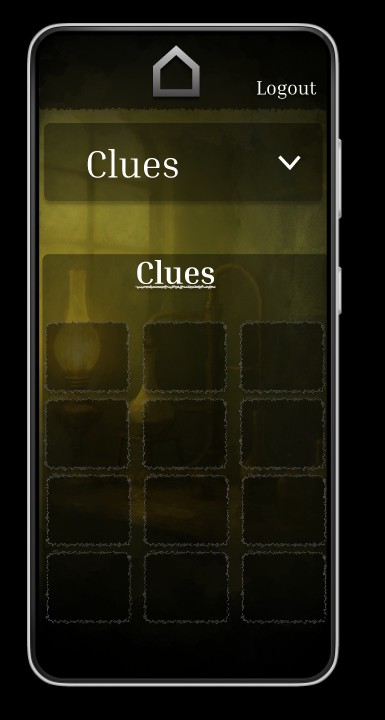
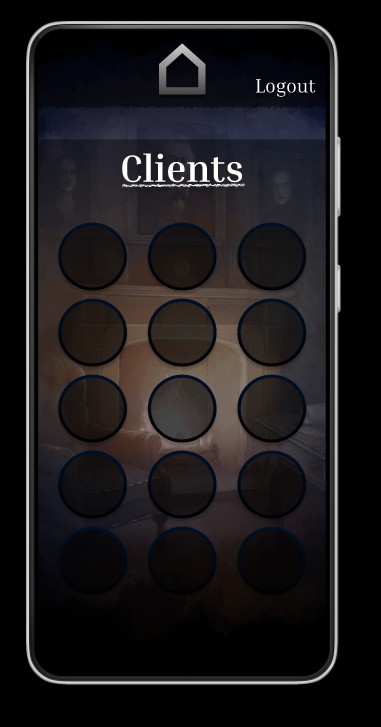
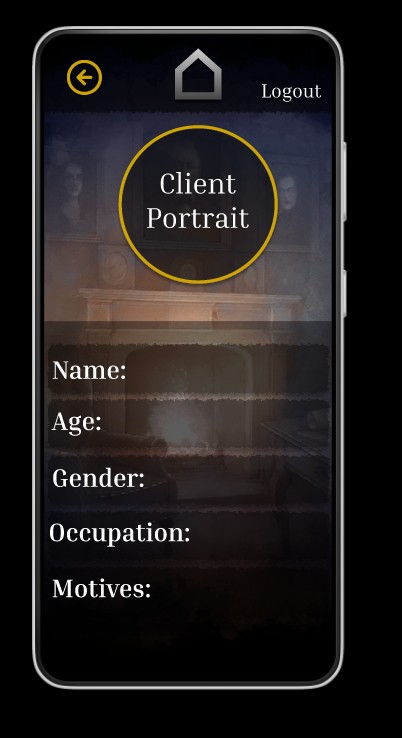
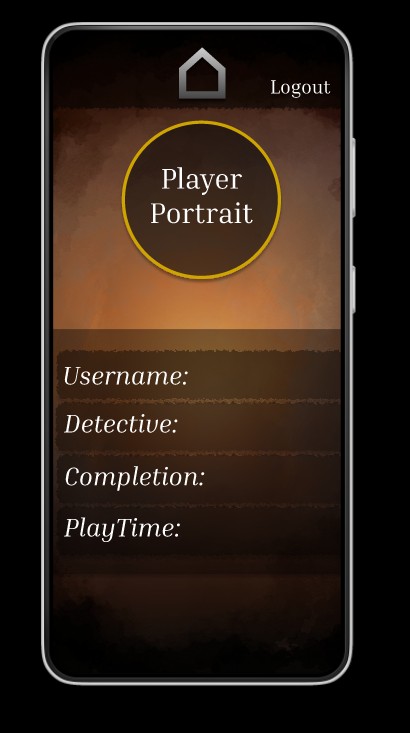
During the mobile prototyping phase, I took my wireframes from the tablet version that I had started with and transformed them into a polished mobile interface, using the large Android resolution (366 x 800). Beginning with the tablet version, however, posed some challenges – I quickly realized that shrinking component sizes, while still keeping everything readable and user-friendly, was trickier than just scaling things up, especially when it came to interactive elements like buttons and icons.
I kept the app’s core layout pretty much in line with my original concept. However, I decided to take a more artistic approach when moving to high-fidelity by swapping out the flat placeholder backgrounds for hand-crafted, murky digital watercolor paintings. Each screen now features a slightly different visual backdrop, which not only adds some variety but also helps create a narrative context throughout the interface. (The backdrops and logo were hand-painted in ClipStudioPaintPro.)
Another design aspect I considered was adding sound effects, like a gentle page-turning sound when moving to a new screen. The goal was to boost immersion without overwhelming the user. In the end, though, I chose not to include this feature in the prototype, as I envision the web version of the app being more functional and streamlined, without any auditory feedback or flashy visual transitions. This distinction between the mobile and web platforms, where mobile feels more atmospheric and the web is more utilitarian, helped shape my decisions about which features to prototype now and which ones to save for later updates.
All in all, the high-fidelity prototyping journey was all about finding the right balance between mood and clarity while tackling the technical challenges that popped up due to screen size adjustments and cross-platform considerations.